Pharmacy & inventory

Every dose with a source and destination, from batch to patient.

The balance is never edited by hand: every change in inventory is a stock movement, with the person responsible, date and reason. That way, the pharmacy knows which batch each dose came from and which patient it went to.

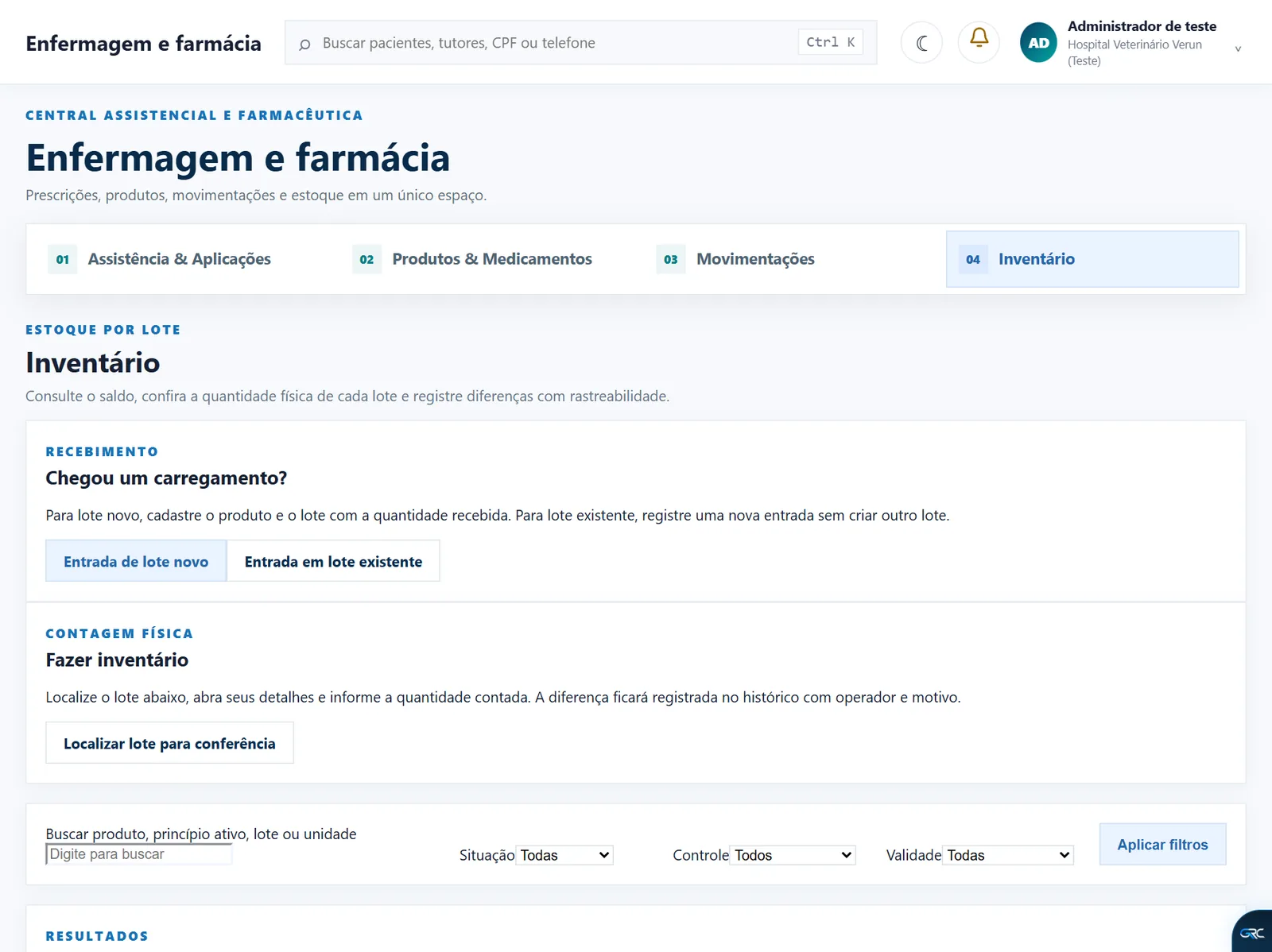
Verun Vet pharmacy inventory with batch receipt and physical count
Batch by batchbalance and expiry date of each batch
Quarantinefor everything that comes back
Controlled drugsclassified by regulatory list
Labelswith barcode and QR code
Catalog

A catalog your team understands.

Medications, supplies and vaccines registered with the detail that prescribing and dispensing require.

  • Categories: medication, supply, vaccine and other
  • Active ingredient, dosage form, concentration, unit and image
  • Catalog import during onboarding
Controlled drugs coming soon

Controlled drugs under rules.

Each controlled item is classified and only leaves inventory with a reference to the prescription.

  • Regulatory list, such as the ANVISA Ordinance 344/98 lists and the MAPA (Brazil's Ministry of Agriculture) lists
  • Required document: prescription notification form, special control prescription or standard prescription
  • Controlled drug dispensing linked to the prescription
  • Chain of Custody as a PDF, with the institution's logo and the history in chronological order
Batches and expiry dates

No expired batch leaves the shelf.

Each batch has an expiry date and a status, and the system blocks dispensing of anything that cannot be used.

  • Batch status: available, quarantine, blocked or expired
  • Dispensing blocked for expired or blocked batches
  • Inventory with filters for expired items and items expiring in the next 30 days
  • Physical count recorded as an adjustment, with the difference and the person responsible
Stock movements

Every change in inventory leaves a trail.

Receipts and dispensing follow clear rules, and the history shows who made each stock movement, when and why.

  • Receipt into a new batch or an existing batch
  • Dispensing to a patient, with the patient required
  • Disposal and loss with a mandatory reason
Nursing

From prescription to administration.

Nursing sees the pending medications for its department and records preparation and administration, stating the batch.

  • Pending medications organized by department
  • Items prescribed outside the catalog linked by the pharmacy, with equivalence confirmation
  • Preparation and administration or dispensing, with batch and quantity
  • Automatic deduction from inventory, linked to the patient
Labels and returns

Label on the way out, scan on the way back.

Each dispensing generates a label. If the item comes back, just scan the code with a standard scanner.

  • Label with barcode and QR code, patient, batch, expiry date and quantity
  • Returns by scanning the label with a USB scanner
  • Returned items go to quarantine and do not go straight back to available inventory
Learn about the integration with automated dispensing cabinets
Frequently asked questions

Questions about the pharmacy

Do I need a special barcode scanner?

No. A standard USB scanner that works like a keyboard is enough to read the labels.

Can I adjust inventory after a count?

Yes. The physical count generates a recorded adjustment, with the difference found and the person responsible. The balance is never overwritten without leaving a trail.

Does the system issue the special control prescription?

No. Verun Vet classifies controlled drugs and indicates the type of prescription required, but the prescription notification form and the special control prescription follow the official documents required by Brazilian law.

Shall we set up Verun Vet to fit the way you operate?

Tell us how your clinic or hospital works. We will show you the system in practice and send you a tailored quote.