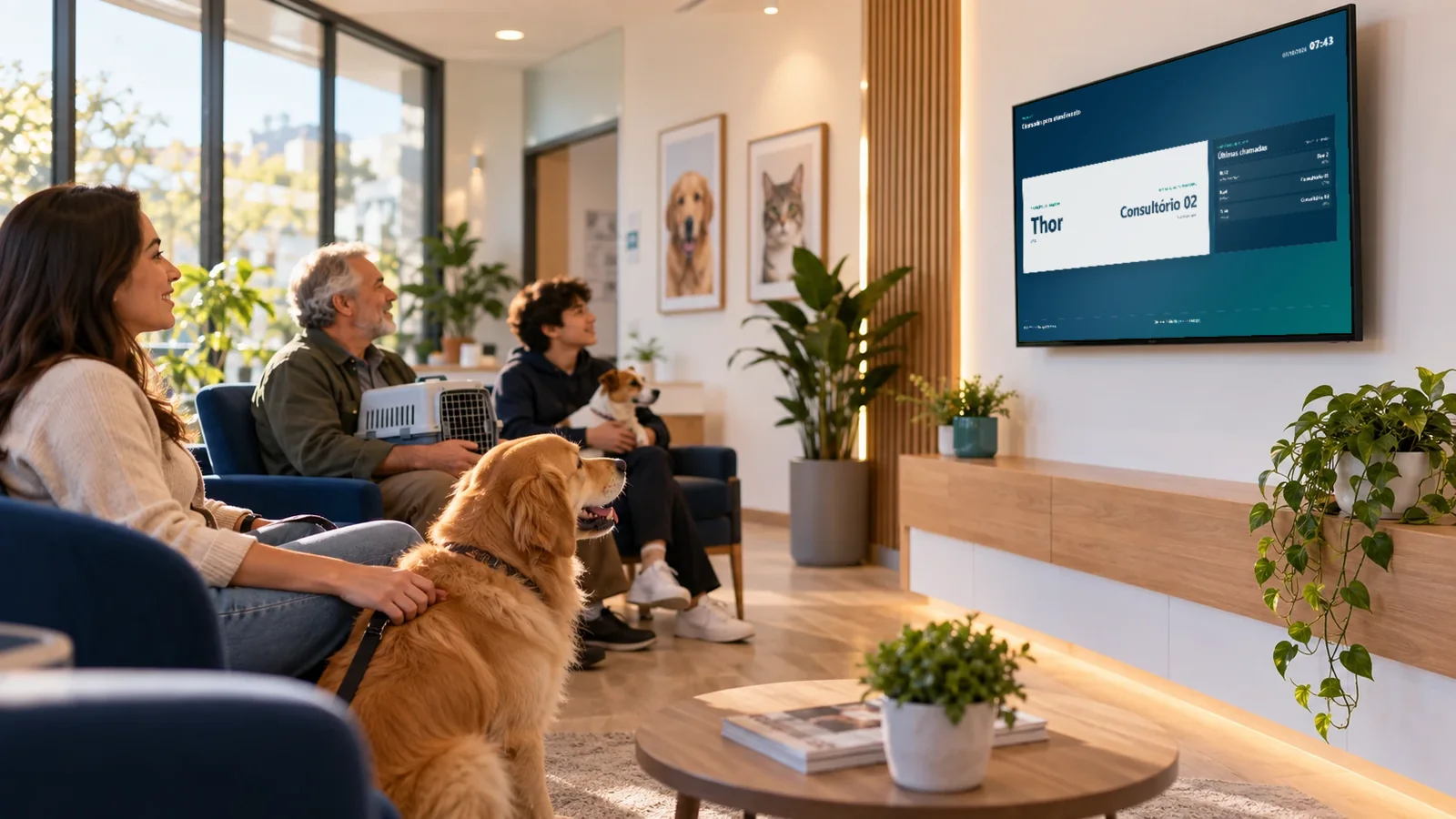
Patient arrival, organized from kiosk to exam room.
The pet owner takes a queue ticket, the front desk calls it through the system, the TV display announces it with a sound, and the patient joins the exam room queue in order of severity. No shouting, no paper, and no asking who is next.
Illustration. The TV shows the actual Verun Vet display, with sample data.
Kioskfor queue tickets, with printing
Displayfor calls on the TV, with sound
4 levelsof priority at check-in
Historycomplete for every queue ticket
Queue ticket kiosk
The pet owner arrives and takes a ticket.
A simple screen with a single button that anyone can understand. The ticket is printed and the pet owner waits to be called.
Tickets numbered per day: R001, R002, R003…
Prints on any printer connected to the kiosk computer
Works on any computer or tablet with a web browser
Front desk hub
The whole front desk in a single view.
The team sees, in columns, the issued tickets, the visits in progress and the completed ones, and acts without switching screens.
Call a ticket and repeat the call
Confirm check-in from the ticket
Register a new patient and check in with priority and reason for visit
Patient directory with search by name, pet owner, CPF (Brazilian taxpayer ID) or phone number
Open a new invoice right from the front desk
Service desks
Every service desk knows whom to call.
Desks and counters are registered in the system. The operator indicates when they are available, and the call tells the pet owner where to go.
Operator presence turned on and off with one click
Ticket display with "Please proceed to desk" and a count of who is waiting
Full screen and call sound
Waiting room display
The waiting room TV calls the patient.
The display shows the ticket or the patient's name and the exam room, with a chime, and keeps a history of recent calls for anyone who was distracted.
History of calls from the last two hours
Standard chime, soft chime or the clinic's own sound (MP3 up to 5 MB)
YouTube video, including playlists, or a live stream in the background, with adjustable volume
Automatic updates, with no one needing to reload the screen
Exam room queue
From check-in to the exam room, in the right order.
The clinical queue sorts patients by severity and, within the same level, by order of arrival. The veterinarian indicates which exam room they are in and calls the next patient.
Four levels: emergency, urgent, priority and routine
Call the next patient, call a specific patient or repeat the call
Start and finish the visit from the queue
Patient clinical alerts visible right in the queue
Traceability
Every queue ticket tells its story.
The system records the full life cycle of each ticket, so management can understand waiting times and resolve any question.
Issue, call, repeat call and no-show recorded with timestamps
No. Any computer or tablet with a web browser will do, connected to a printer so the ticket can be printed on paper.
Does the display work on the waiting room TV?
Yes, on any screen with a web browser: a smart TV or a computer connected to the TV. The display opens in full screen and updates on its own.
Is there a priority ticket?
The kiosk issues a single type of ticket. Clinical priority is set at check-in, in four levels, and that is what orders the exam room queue.
Can I use my clinic's own sound for calls?
Yes. In addition to the built-in chimes, you can upload an MP3 file of up to 5 MB.
Shall we set up Verun Vet to fit the way you operate?
Tell us how your clinic or hospital works. We will show you the system in practice and send you a tailored quote.
Analytics cookies. With your permission, we use Google Analytics to understand how the site is used and to improve it. No data is used for advertising. Learn more